
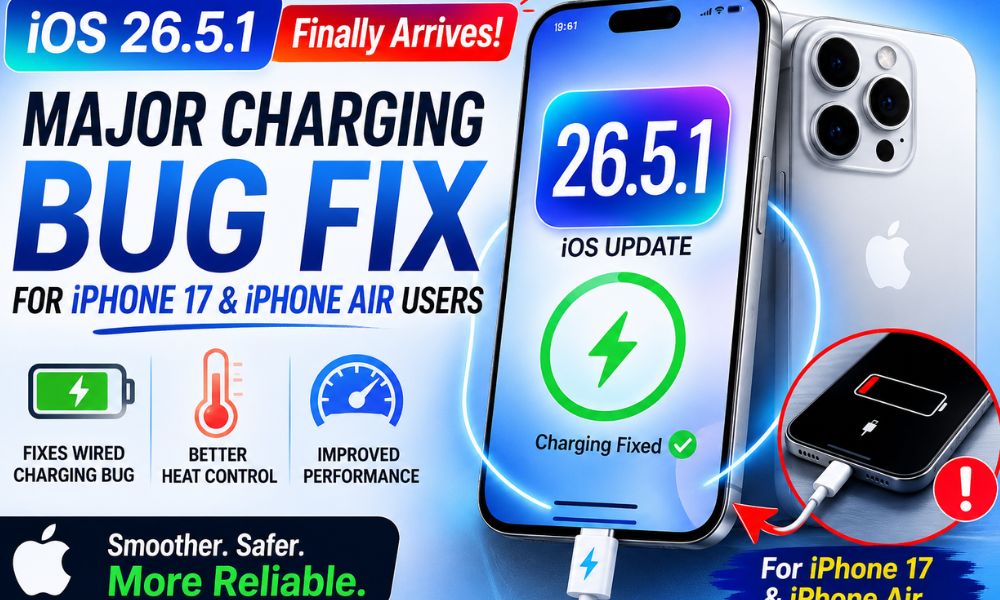
Many iPhone users have recently expressed frustration over bugs and performance issues in iOS 26.5. While Apple has been working to improve the overall experience, one particular issue became a serious concern for owners of the iPhone 17 series and iPhone Air models. To address this problem, Apple has released iOS 26.5.1 update, a small but important update focused primarily on fixing a critical wired charging bug.
Although this update does not introduce any new features or major security enhancements, it targets a problem that could leave users with an unusable device. If you own an affected iPhone, installing this update should be a top priority.
Why iOS 26.5.1 Is Important
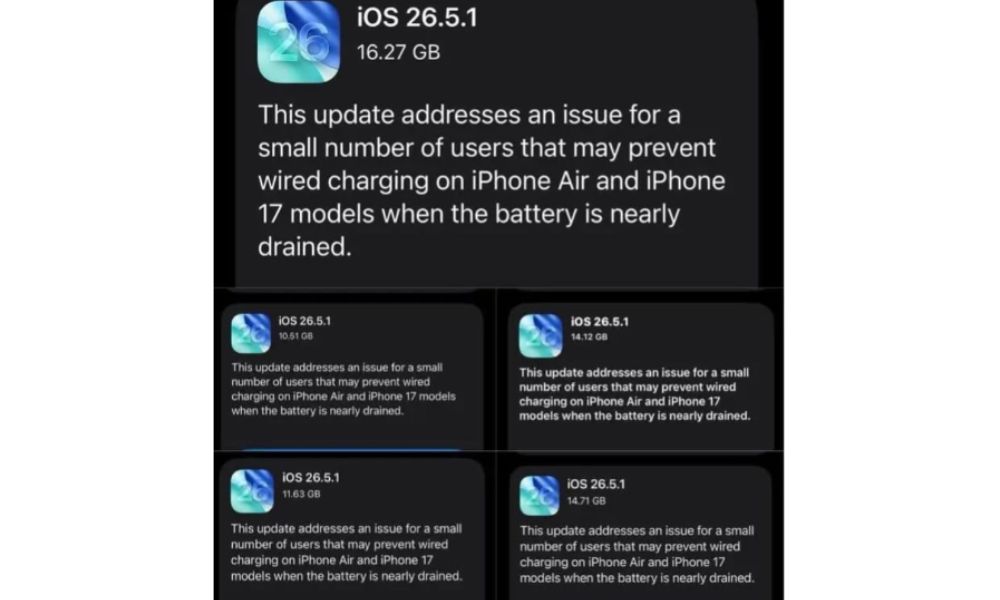
Software updates are often associated with new features and visual improvements, but sometimes bug-fix releases are even more important. iOS 26.5.1 falls into that category.
The update focuses on resolving a wired charging issue that affected certain iPhone 17 and iPhone Air devices. For many users, the bug appeared when the battery became completely depleted. After plugging the phone into a charger, the device failed to show any charging indication and remained unresponsive for an extended period.
In some cases, users believed their phones were completely dead because there was no sign that charging had started. This created significant inconvenience, especially for people who relied on their devices for work, communication, navigation, and emergency situations.
You need to know about Wired Charging Bug
The issue specifically impacted some devices after the battery had fully drained to zero percent. Normally, when an iPhone battery is exhausted, connecting a charger should immediately begin the recovery process. Within a few minutes, users typically see the charging icon appear on the screen.
However, affected users reported a different experience:
- The device remained completely black.
- No charging indicator appeared.
- Wired charging seemed non-functional.
- The phone could stay unresponsive for hours.
- Users were unable to power the device back on.
Reports suggested that the issue was more noticeable when the phone was being used with certain MagSafe-compatible cases. In some situations, the magnetic components of these cases appeared to interfere with the device’s ability to properly detect wired charging connections.
While not every iPhone 17 or iPhone Air owner experienced the bug, those who did found it extremely frustrating.
Apple’s Solution in iOS 26.5.1
Apple’s latest update directly targets this charging problem.
According to reports from affected users, devices running iOS 26.5.1 can once again properly recognize wired chargers even after the battery has completely drained.
The fix restores expected charging behavior by ensuring that:
- USB-C charging functions correctly.
- Devices recognize charging connections more reliably.
- Recovery from a fully drained battery occurs normally.
- Users can power their devices back on without extended waiting periods.
For users who encountered the issue, this update could prevent future situations where a dead iPhone appears impossible to revive.
Heating Concerns Remain Under Observation
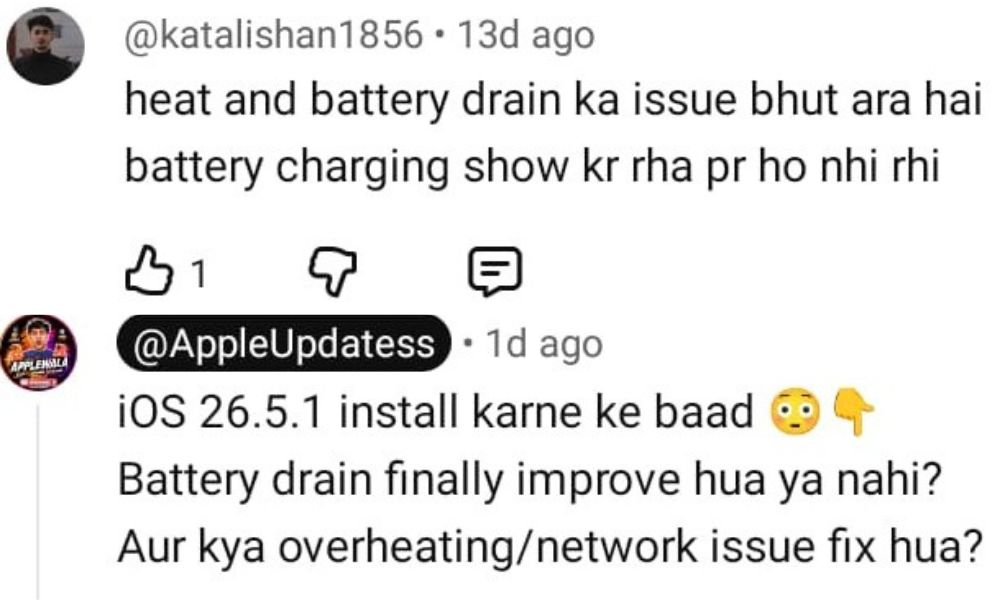
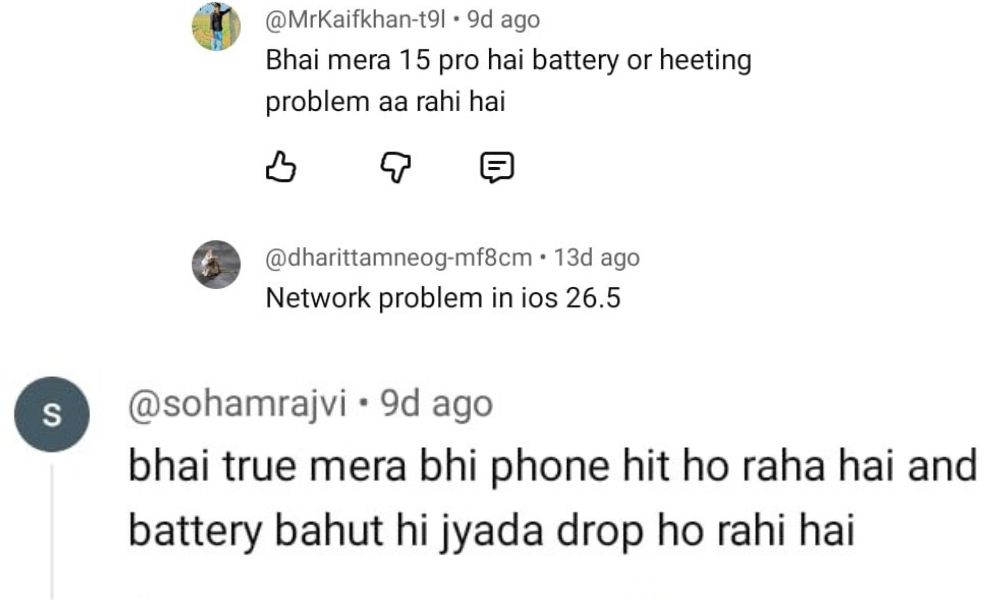
Another major issue among users has been device heating and network. Some users running earlier versions of iOS 26.5 reported higher than normal temperatures during charging, gaming, camera usage, or extended multitasking sessions. While Apple has not specifically highlighted thermal improvements as the primary purpose of iOS 26.5.1, many users are closely monitoring whether the update improves heat management.
Early feedback suggests that Apple may have implemented minor performance optimizations that contribute to smoother operation, but it may take several weeks of real-world usage before a clear conclusion can be reached regarding heating issues.
Users experiencing excessive heat should continue monitoring battery performance and device temperature after updating.
What are the Performance Improvements after Update
Although the charging fix is the headline feature, some users have also reported improvements in overall system responsiveness.
Potential benefits include:
- Smoother app transitions.
- Reduced interface stuttering.
- Better animation consistency.
- Improved system stability.
- More reliable background processes.
These changes appear to be secondary improvements rather than the primary purpose of the update, but they contribute to a more polished user experience.
Crucial Steps to Install iOS 26.5.1 Update
Installing the update is simple and only takes a few minutes.
Step 1: Open Settings
Launch the Settings app on your iPhone.
Step 2: Navigate to Software Update
Go to:
General → Software Update
Step 3: Download the Update
If iOS 26.5.1 is available for your device, tap:
Download and Install
Step 4: Prepare Your Device
Before beginning installation:
- Connect to a stable Wi-Fi network.
- Ensure sufficient battery life.
- Keep the device plugged into a charger if necessary.
- Back up important data as a precaution.
Step 5: Complete Installation
Follow the on-screen instructions and wait for the installation process to finish.
After rebooting, your device should be running iOS 26.5.1.
Temporary Workarounds Before Updating
If your iPhone is already affected by the charging bug and you cannot update immediately, there are a few temporary solutions that may help.
Use a MagSafe Charger
Many users have reported success by placing the device on a MagSafe charger for approximately 10 to 15 minutes.
This often provides enough power to revive the phone and restore normal charging functionality.
Avoid Complete Battery Drain
Until the update is installed, try not to allow your battery to reach 0%.
Keeping some charge remaining can help prevent the issue from occurring.
Remove MagSafe Cases
If you use a MagSafe case, consider removing it when connecting a wired charger.
Some reports suggest that magnetic accessories may contribute to charging detection problems on affected devices.
Who Will Receive the Update?
The iOS 26.5.1 update is specifically designed for:
- iPhone 17
- iPhone 17 Plus
- iPhone 17 Pro
- iPhone 17 Pro Max
- iPhone Air models
Users already running iOS 26.6 beta or newer software versions will not receive this update because the charging fix is expected to be included in later builds.
Update Size and Installation Considerations
The size of the update may vary depending on:
- Device model
- Storage configuration
- Current iOS version
- Regional software build
Reports indicate that the download size can range between approximately 12 GB and 17 GB for some users.
Because of the large download size, users should ensure they have:
- Adequate free storage.
- A reliable Wi-Fi connection.
- Sufficient battery power before starting the installation.
Should You Install iOS 26.5.1?
For affected users, the answer is yes.
A charging bug that prevents a completely drained iPhone from charging properly is not a minor inconvenience—it can leave users temporarily without access to their device. Since smartphones are essential tools for communication, banking, work, travel, and emergencies, reliable charging functionality is critical.
While iOS 26.5.1 does not introduce exciting new features or major design changes, it delivers something arguably more important: stability and reliability.
Final Thoughts
iOS 26.5.1 is a focused maintenance update designed to solve one of the most frustrating issues reported by iPhone 17 and iPhone Air users. The wired charging bug could leave devices unresponsive after a full battery drain, creating significant inconvenience and concern for users.
With Apple now providing a dedicated fix, affected users should install the update as soon as possible. In addition to restoring dependable wired charging, the update appears to offer smoother system performance and minor stability improvements.
Although questions remain about whether heating concerns have been fully addressed, iOS 26.5.1 update represents an important step toward improving the overall user experience. For anyone using a supported device, updating promptly is the best way to avoid charging-related issues and maintain reliable day-to-day performance.