
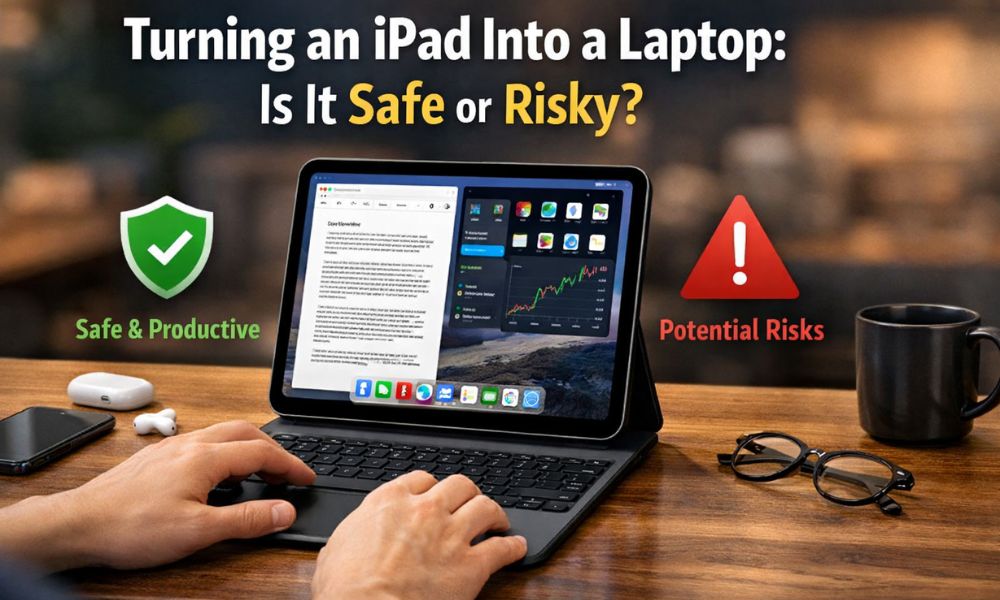
With the availability of powerful processors and the presence of keyboards and advanced capabilities such as Stage Manager, iPads have never been more laptop-like. Many users have begun the experiment of using an iPad as an alternative laptop. It seems like an intelligent concept on paper – less weight and longer battery life with an easy-to-work-with Apple ecosystem.
But the important question is whether using an iPad as an alternative laptop is safe. An iPad is essentially a tablet device and is meant for that purpose. It is definitely not meant for the usage of an alternative laptop. It goes through stress if used as an alternative laptop. This article will provide an analysis on the usage of an iPad as an alternative laptop.
Why Turning an iPad Into a Laptop Is NOT Fully Safe
1. Hardware Stress Beyond Intended Use
iPads are built as mobile, touch-centric devices, not stationary work machines. When you use an iPad like a laptop every day, several components face extra pressure:
The charging port handles power, data, hubs, and displays simultaneously
Continuous plugging and unplugging weakens internal connectors
USB-C hubs draw power directly from the iPad, increasing load on internal circuits
Over months of heavy use, users may notice loose ports, unstable connections, or accessory failures. Laptops are designed for this kind of stress; iPads are not.
2. Thermal Management Is Limited
Laptops have fans, heat pipes, and vents to handle sustained workloads. iPads rely only on passive cooling, which is fine for short bursts but risky for long sessions.
When you:
- Use Stage Manager
- Connect external monitors
- Edit videos or multitask heavily
iPad heats up quickly. To protect itself, it reduces performance (thermal throttling). Repeated heating cycles can also affect battery longevity and internal component stability over time.
3. Battery Health Declines Faster
Laptop-style usage changes how the battery behaves:
- The iPad often stays plugged in for hours
- Accessories constantly draw power
- Background apps remain active longer
Lithium batteries degrade faster when kept at high charge levels under heat. Users who treat an iPad like a laptop usually experience noticeable battery health drops within 1–2 years, sooner than normal tablet use.
4. Software Limitations Still Exist
Even with iPadOS improvements, it’s still not a full desktop OS:
- File management is limited
- Pro apps are often scaled-down versions
- Multitasking is visually available but functionally restricted
To compensate, users push the iPad harder—keeping more apps active, forcing workflows that the OS isn’t optimized for. This increases system load and long-term wear.
5. Ergonomics & Productivity Risks
Most iPad keyboard setups:
- Sit lower than laptop screens
- Offer limited screen angle adjustment
- Encourage neck and wrist strain
Using such setups for long hours can lead to poor posture, eye fatigue, and repetitive strain injuries. Laptops and desktops are better designed for long work sessions.
Steps to Follow If You Still Want to Use an iPad Like a Laptop
If you still plan to do it, follow these steps to reduce risk:
- Use certified accessories only (Apple or MFi-certified)
- Avoid cheap USB hubs and adapters
- Don’t keep the iPad plugged in all day
- Take breaks to cool down the device
- Limit heavy tasks like long video rendering
- Keep iPadOS updated for thermal and performance fixes
These steps won’t eliminate risk—but they reduce damage.
When Is Using an iPad as a Laptop Acceptable?
The use of an iPad as a laptop is an acceptable option if your daily responsibilities consist of light tasks that do not require extended periods of high-performance activity. The iPad is a good choice for certain work functions, including drafting documents, sending and receiving emails, searching for information on the Internet, attending virtual classrooms, and completing other forms of basic office work.
For students and for those who use their iPads casually, an iPad provides users with enough capabilities to complete note-taking, prepare presentations, and consume media. The iPad’s mobility makes it an effective tool for completing some remote work activities, travel, and when traveling between locations where portability is more important than computing power.
While light image editing and the occasional brief video editing can easily be performed without stressing the device, using an iPad as a laptop can provide a productive option for individuals who do not need full-time extended use of the device for multiple tasks at the same time or high workloads. The key to using an iPad as a laptop is to view your device as a productivity partner rather than a full desktop replacement.
Final
Although it is convenient to use an iPad instead of a laptop, it has some obvious limitations and dangers in the long run. Although iPads are capable of doing some productive tasks, they are not designed for continuous computing like a laptop. Regular use of accessories, charging, and multitasking can lower the lifespan of the iPads.
Another major area where iPads are lacking is in thermal management, as they do not have active cooling, and when under load, they restrict performance.
Although some progress has been achieved in software also, the iPad operating system is still not as versatile and robust as a laptop’s operating system and is designed only to meet the requirements of casual users like students who use it only temporarily and do short tasks like the internet and media consumption, and it is definitely not a safe choice for those professional users who need to use the laptop for a longer period of the entire day.
FAQ
1. Is it safe to turn an iPad into a laptop?
Partially. It’s safe for light tasks, but risky for long-term heavy usage.
2. Does using a keyboard damage an iPad?
No directly, but constant accessory usage can stress ports and batteries.
3. Can an iPad replace a laptop completely?
No. Software and thermal limitations still exist.
4. Does external monitor usage harm an iPad?
Extended use can increase heat and battery drain.
5. Who should avoid using an iPad as a laptop?
Professionals who need heavy multitasking, coding, or long editing sessions.